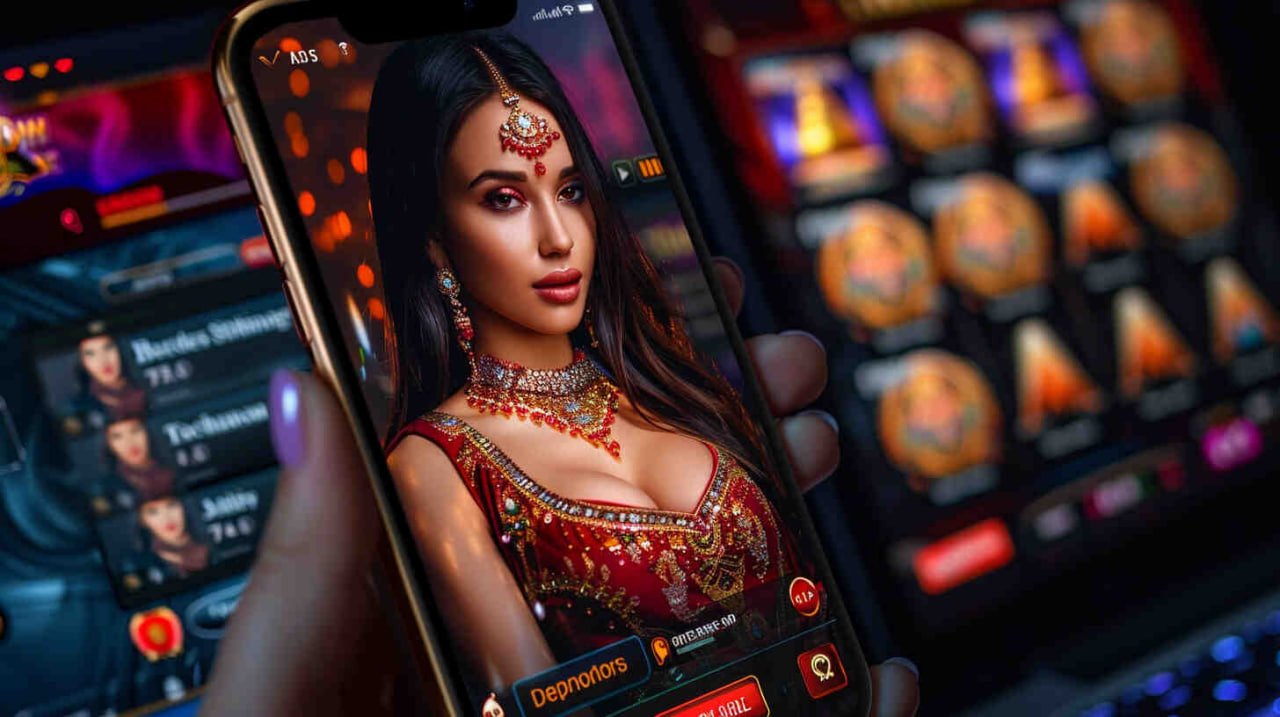
The g89 mobile app brings fish games, live casino, slots, and sports betting to your phone. Fast to install, easy to use, and your account balance is always in PHP — ready wherever you are, from Manila to Davao.
Why Download the g89 App?
Playing g89 through a mobile browser already works well, but the dedicated app takes the experience a step further. It's built specifically for the screen sizes, connection conditions, and usage patterns of players in the Philippines — whether you're on a fast home WiFi in Quezon City or mobile data on the go in Cebu.
The app keeps everything in one place: your account balance, the full game library, deposit options, withdrawal requests, and bet history are all accessible without having to navigate through a browser tab. Logging in is faster, game loading is smoother, and push notifications can keep you updated on your bets and account activity when you want them to.
For players who follow PBA games, NBA, or international football and want to place sports bets while watching live — the app's interface is designed to make that easy. The live betting section updates in real time and the layout is compact enough for one-handed use during a game.
Fish game players will also notice the difference on the app. Touch controls on fish shooting games feel more natural than a browser interface, and the animations run smoothly even on mid-range Android devices that are common among Filipino players.
All of this runs with the same SSL encryption and OTP security as the desktop version of g89. Your account, your balance, and your withdrawal details are protected regardless of which device you use.

Secure by design. The g89 app uses SSL encryption and OTP verification — the same security standards as the web platform, on every device.
How to Download g89 on Android
The g89 APK installs directly on your Android phone in a few quick steps. No complicated setup required.
On your Android phone, go to Settings → Security and enable "Install from Unknown Sources" or "Allow this source" for your browser. This lets you install APK files outside the Play Store.
Tap the Download for Android button on this page. Your browser will download the g89 APK file to your phone's storage. The file size is small and downloads quickly even on mobile data.
Open the downloaded APK from your notifications panel or file manager. Tap Install and wait a few seconds for the installation to complete. The g89 icon will appear on your home screen.
Open the app, log in to your g89 account or register a new one. Your balance, game history, and account settings sync automatically — everything is ready to go from the first launch.
Why install from outside the Play Store? Gaming apps with real-money features are often distributed directly by the platform rather than through app stores. Always download the g89 APK only from the official g89 website to make sure you're getting the genuine, unmodified app.
Installing g89 on iPhone and iPad
iOS users can access g89 by adding it to their home screen directly from Safari, or by downloading the dedicated iOS app if available for your region. Here's how to get the best mobile experience on an iPhone or iPad.
On your iPhone or iPad, open Safari and navigate to g89.live. Safari is recommended over third-party browsers for the best compatibility with the mobile web platform.
Tap the Share button (the box with an arrow) at the bottom of your Safari screen. Scroll down and tap "Add to Home Screen." Give it a name and tap Add. The g89 icon now appears on your home screen just like a regular app.
Tap the g89 icon on your home screen. It opens in full-screen mode without browser navigation bars, giving you a clean, app-like experience. Log in with your existing account or register directly from the app.
If a native iOS app becomes available in your region, you'll be able to download it through the App Store. Check back on this page or visit your account for the latest download options for iOS.
System Requirements
The g89 app is designed to run well on the kinds of phones most commonly used in the Philippines — including popular mid-range Android devices.
| Requirement | Android | iOS |
|---|---|---|
| Minimum OS Version | Android 6.0 (Marshmallow) or higher | iOS 12.0 or higher |
| Recommended OS | Android 9.0 and above | iOS 15.0 and above |
| Storage Space | ~80 MB free space for APK install | ~60 MB (web app, minimal local storage) |
| RAM | 2 GB minimum, 3 GB recommended | 2 GB minimum |
| Internet Connection | 3G minimum; 4G/LTE or WiFi recommended | 3G minimum; 4G/LTE or WiFi recommended |
| Browser (Web Access) | Chrome 80+ | Safari 12+ |
| OTP Verification | Supported | Supported |
| SSL Encrypted Connection | Yes | Yes |
| Install from Outside App Store | Supported (APK sideload) | Use Safari Home Screen shortcut |
Most Android phones released in the Philippines from 2018 onwards meet these requirements. If you're unsure whether your device is compatible, try accessing g89 through your mobile browser first — if the site runs well, the app will too.
What You Get with the g89 Mobile App
Everything on the g89 platform is available in the app — no features locked to desktop only.
Touch controls make fish shooting games feel natural on mobile. Boss stages, weapon upgrades, and bonus rounds all run smoothly on the app.
Join live baccarat, dragon tiger, roulette, and blackjack tables with real dealers streaming in real time — all from your phone screen.
Place bets on PBA, NBA, volleyball, football, boxing, and esports. Live odds update in real time so you can bet while the game is happening.
The full slot library from the Game Lobby is available on mobile — jackpot titles, video slots, and more, all optimised for touch play.
Top up your account directly from the app using Philippine mobile banking, bank transfer, GCash, Maya, and other local e-wallet options.
Submit withdrawal requests from the app at any time. Funds go to your Philippine bank account or e-wallet in PHP — no conversion needed.
Every login and withdrawal is protected by OTP verification. Your g89 account stays secure even if your device is lost or accessed by someone else.
Check your transaction history, bet records, win summary, and account details anytime from the app — everything you need in one screen.
Tips for Getting the Most Out of the g89 App
The app is straightforward to use from day one, but a few small habits will make your sessions smoother and keep your account secure.
Live casino and live sports betting rely on a continuous stream. WiFi or a strong 4G/LTE signal gives the most reliable experience, especially during peak hours in Metro Manila.
Use a unique password for your g89 account — don't reuse passwords from other sites. With OTP enabled, even if your password were compromised, your account stays protected.
When a new version of the g89 APK is available, download and install it. Updates usually include performance improvements and security patches. Check this page for the latest version.
Identity verification takes a few minutes and only needs to be done once. Getting it done early means your first withdrawal processes without any delays when you're ready to cash out.
Download FAQ
Common questions about getting the g89 app installed and running on your phone.
The g89 app makes gaming more convenient — but convenience doesn't change the importance of playing responsibly. Set a PHP budget before each session and stick to it whether you're on your phone or at home. Online gaming involves real risk and is strictly for players aged 21 and above. If you ever feel like your gaming habits are getting out of balance, visit our Responsible Gaming page for self-management tools and support resources available in the Philippines.